Now Live

Steps 1
Get Your Invite
You'll receive a push notification on your phone from the MNL app welcoming you to ChargeWise Rewards. Tap the notification to get started.
Steps 2
Land on Sign Up Page
After tapping the notification, you'll land on the ChargeWise sign-up page. Here you can see how the rewards work - earn points for every charge, redeem for discounts and gift cards from top brands.
Steps 3
Complete the registration form with your name, phone number, and password. The sign-up is quick - just fill in the basics and you're almost there.
Steps 4
Use Your MNL Email
For the email field, make sure to use the same email address you registered with in the EV Charge by MNL app. This links your charging sessions to your rewards account.
💡 Tip: Using a different email? Your charging points won't sync. Always match your MNL app email.
Steps 5
You're All Set!
Once signed up, you'll see your rewards dashboard with your points balance, membership tier, and redemption options. Every charge from now on earns you points automatically.
$1
200 Points
$2
400 Points
$5
900 Points
$10
1800 Points
I didn't receive a push notification. How do I sign up?
What is ChargeWise and how is it connected to MNL?
Why do I need to use the same email as my MNL app?
I signed up with wrong email. Can I change it?
How do I earn points after signing up?
What can I redeem my points for?
Where can I check my points balance?
Is the sign-up free?
Charge. Collect. Redeem.
Start earning today
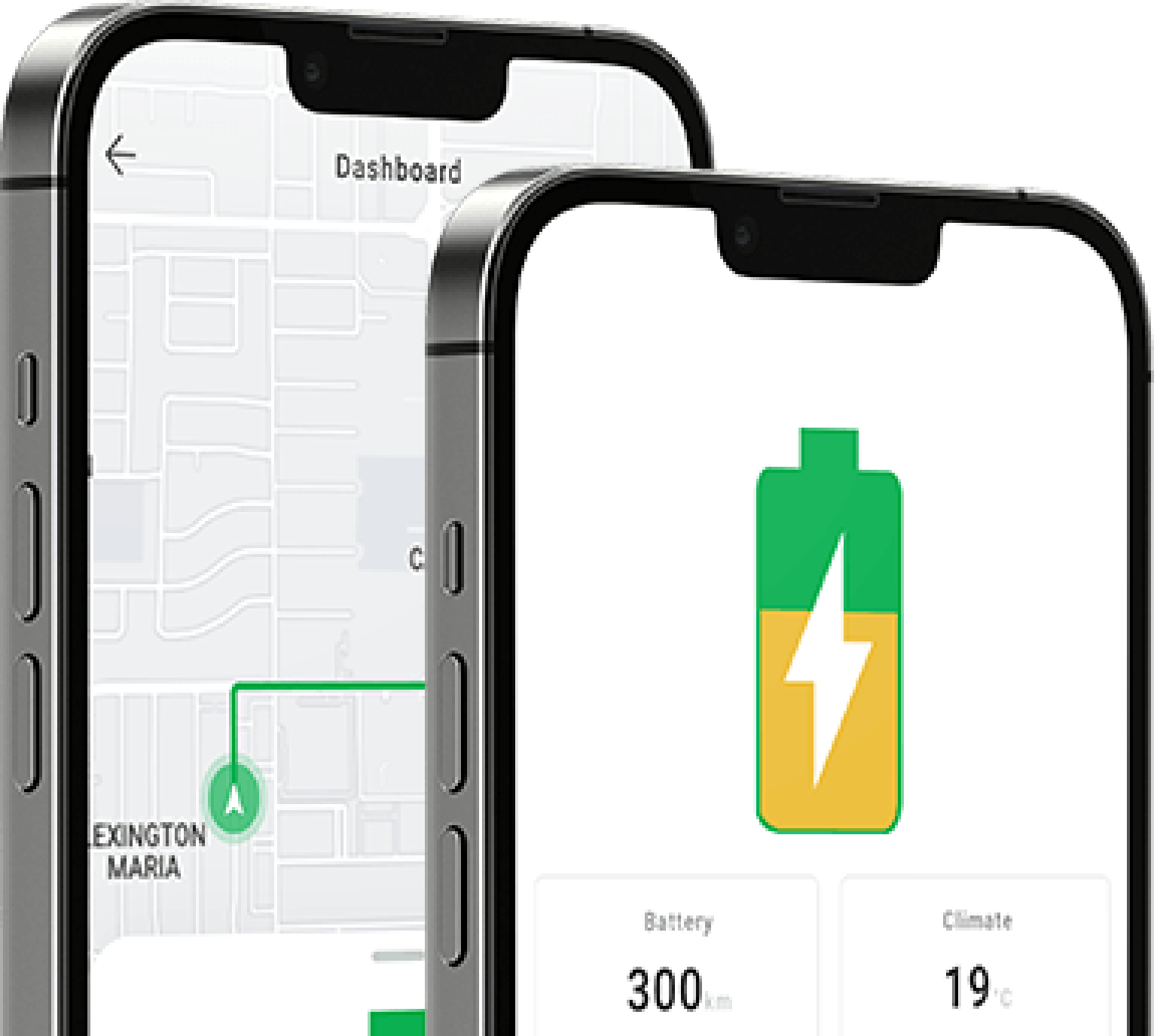
Download the MNL app and turn every charging session into real savings.